%20scale(0.15%20-0.15)'/%3e%3cpath%20d='M333%20540Q478%20540%20554.5%20472Q631%20404%20631%20264L631%20230L235%20230Q235%20173%20260.5%20144Q286%20115%20341%20115Q391%20115%20414.5%20136Q438%20157%20438%20192L631%20192Q631%2096%20558%2042Q485%20-12%20345%20-12Q198%20-12%20117%2056.5Q36%20125%2036%20264Q36%20400%20115%20470Q194%20540%20333%20540ZM341%20413Q247%20413%20236%20324L430%20324Q430%20365%20406.5%20389Q383%20413%20341%20413Z'%20transform='translate(78.75%20117)%20scale(0.15%20-0.15)'/%3e%3cpath%20d='M381%20541Q404%20541%20422%20535.5Q440%20530%20440%20529L440%20362L376%20362Q314%20362%20286.5%20330Q259%20298%20259%20235L259%200L60%200L60%20528L223%20528L236%20448Q254%20494%20293%20517.5Q332%20541%20381%20541Z'%20transform='translate(169.8%20117)%20scale(0.15%20-0.15)'/%3e%3cpath%20d='M428%20528L660%20528L465%20315L665%200L439%200L328%20181L259%20114L259%200L60%200L60%20726L259%20726L259%20326Z'%20transform='translate(232.35000000000002%20117)%20scale(0.15%20-0.15)'/%3e%3cpath%20d='M428%20528L660%20528L465%20315L665%200L439%200L328%20181L259%20114L259%200L60%200L60%20726L259%20726L259%20326Z'%20transform='translate(323.40000000000003%20117)%20scale(0.15%20-0.15)'/%3e%3cpath%20d='M333%20540Q472%20540%20551.5%20469.5Q631%20399%20631%20264Q631%20129%20551.5%2058.5Q472%20-12%20333%20-12Q194%20-12%20115%2058Q36%20128%2036%20264Q36%20400%20115%20470Q194%20540%20333%20540ZM333%20405Q235%20405%20235%20292L235%20235Q235%20123%20333%20123Q432%20123%20432%20235L432%20292Q432%20405%20333%20405Z'%20transform='translate(409.35%20117)%20scale(0.15%20-0.15)'/%3e%3c/g%3e%3cpath%20fill='%23112b99'%20d='M0%20140h465v11H0z'/%3e%3cg%20fill='%23112b99'%3e%3cpath%20d='M381%20541Q404%20541%20422%20535.5Q440%20530%20440%20529L440%20362L376%20362Q314%20362%20286.5%20330Q259%20298%20259%20235L259%200L60%200L60%20528L223%20528L236%20448Q254%20494%20293%20517.5Q332%20541%20381%20541Z'%20transform='translate(0%20290)%20scale(0.15%20-0.15)'/%3e%3cpath%20d='M321%20540Q442%20540%20518%20499.5Q594%20459%20594%20368L594%20162Q594%20145%20602%20134Q610%20123%20626%20123L662%20123L662%208Q659%206%20646.5%201.5Q634%20-3%20611%20-7.5Q588%20-12%20558%20-12Q500%20-12%20462.5%205.5Q425%2023%20411%2054Q373%2024%20326%206Q279%20-12%20216%20-12Q30%20-12%2030%20136Q30%20213%2071.5%20253.5Q113%20294%20191%20309Q269%20324%20395%20324L395%20350Q395%20381%20373.5%20397Q352%20413%20318%20413Q287%20413%20264.5%20402Q242%20391%20242%20367L242%20363L46%20363Q45%20368%2045%20377Q45%20452%20116.5%20496Q188%20540%20321%20540ZM395%20230Q310%20230%20269.5%20211.5Q229%20193%20229%20162Q229%20112%20297%20112Q336%20112%20365.5%20133Q395%20154%20395%20185L395%20230Z'%20transform='translate(60.14999999999999%20290)%20scale(0.15%20-0.15)'/%3e%3cpath%20d='M443%200L430%2080Q399%2037%20348.5%2012.5Q298%20-12%20242%20-12Q150%20-12%20104%2039Q58%2090%2058%20186L58%20528L257%20528L257%20210Q257%20176%20274.5%20155.5Q292%20135%20324%20135Q361%20135%20384%20159Q407%20183%20407%20218L407%20528L606%20528L606%200Z'%20transform='translate(151.2%20290)%20scale(0.15%20-0.15)'/%3e%3cpath%20d='M259%20473Q291%20505%20334%20522.5Q377%20540%20424%20540Q516%20540%20562%20489Q608%20438%20608%20342L608%200L409%200L409%20318Q409%20352%20391.5%20372.5Q374%20393%20342%20393Q305%20393%20282%20369Q259%20345%20259%20310L259%200L60%200L60%20725L259%20725L259%20473Z'%20transform='translate(242.25%20290)%20scale(0.15%20-0.15)'/%3e%3cpath%20d='M321%20540Q442%20540%20518%20499.5Q594%20459%20594%20368L594%20162Q594%20145%20602%20134Q610%20123%20626%20123L662%20123L662%208Q659%206%20646.5%201.5Q634%20-3%20611%20-7.5Q588%20-12%20558%20-12Q500%20-12%20462.5%205.5Q425%2023%20411%2054Q373%2024%20326%206Q279%20-12%20216%20-12Q30%20-12%2030%20136Q30%20213%2071.5%20253.5Q113%20294%20191%20309Q269%20324%20395%20324L395%20350Q395%20381%20373.5%20397Q352%20413%20318%20413Q287%20413%20264.5%20402Q242%20391%20242%20367L242%20363L46%20363Q45%20368%2045%20377Q45%20452%20116.5%20496Q188%20540%20321%20540ZM395%20230Q310%20230%20269.5%20211.5Q229%20193%20229%20162Q229%20112%20297%20112Q336%20112%20365.5%20133Q395%20154%20395%20185L395%20230Z'%20transform='translate(333.3%20290)%20scale(0.15%20-0.15)'/%3e%3c/g%3e%3c/svg%3e)
Buying guide
Four questions you can check in a shop on your phone. They help you compare products before deciding what to buy.
Four things to check
How long does the manufacturer promise updates?
The stated support period tells you how long the manufacturer promises security fixes. Look for a date or a clear number of years.
Where to lookThe product page, the manual and the manufacturer support pages. Search by the model number, not the product name.
A bad answerThe support period is not stated anywhere, or the seller only says updates come as needed.
Does the device have its own password, or the same one as every other unit?
A factory password shared by every device of the same model is known to other people too. Setup should require a change or use a unique password.
Where to lookThe box, the manual and the setup guide. A device-specific password is often on a sticker underneath the device.
A bad answerThe manual prints the same username and password for everyone, and setup does not force you to change it.
Does the device work without the cloud?
Local control can keep the basic functions working when the cloud service or the internet connection is down.
Where to lookThe technical details on the product page and the description of the app. Look for a mention of local control, or of what the device does with no network connection.
A bad answerThe device wants an account and a network connection before it does anything, and the basic function does not work without them.
Red flags and green flags
Red flags
- The support period is not stated anywhere.
- The same factory password on every device of the model, printed in the manual.
- The device wants an account before it does anything at all.
- The app asks for permissions that have nothing to do with the device.
- There is no way to send the manufacturer a security report.
- The manufacturer does not say what happens to your data after you close the account.
Green flags
- The support period is stated and it has an end date.
- A device-specific password, or setup makes you set your own.
- The device works on the local network without the cloud.
- The manufacturer has a public channel for security reports.
- Automatic updates are on by default.
- The privacy statement is written so a person can read it.
Device categories
Each device category shows the usual data flows and a question worth asking before you buy.
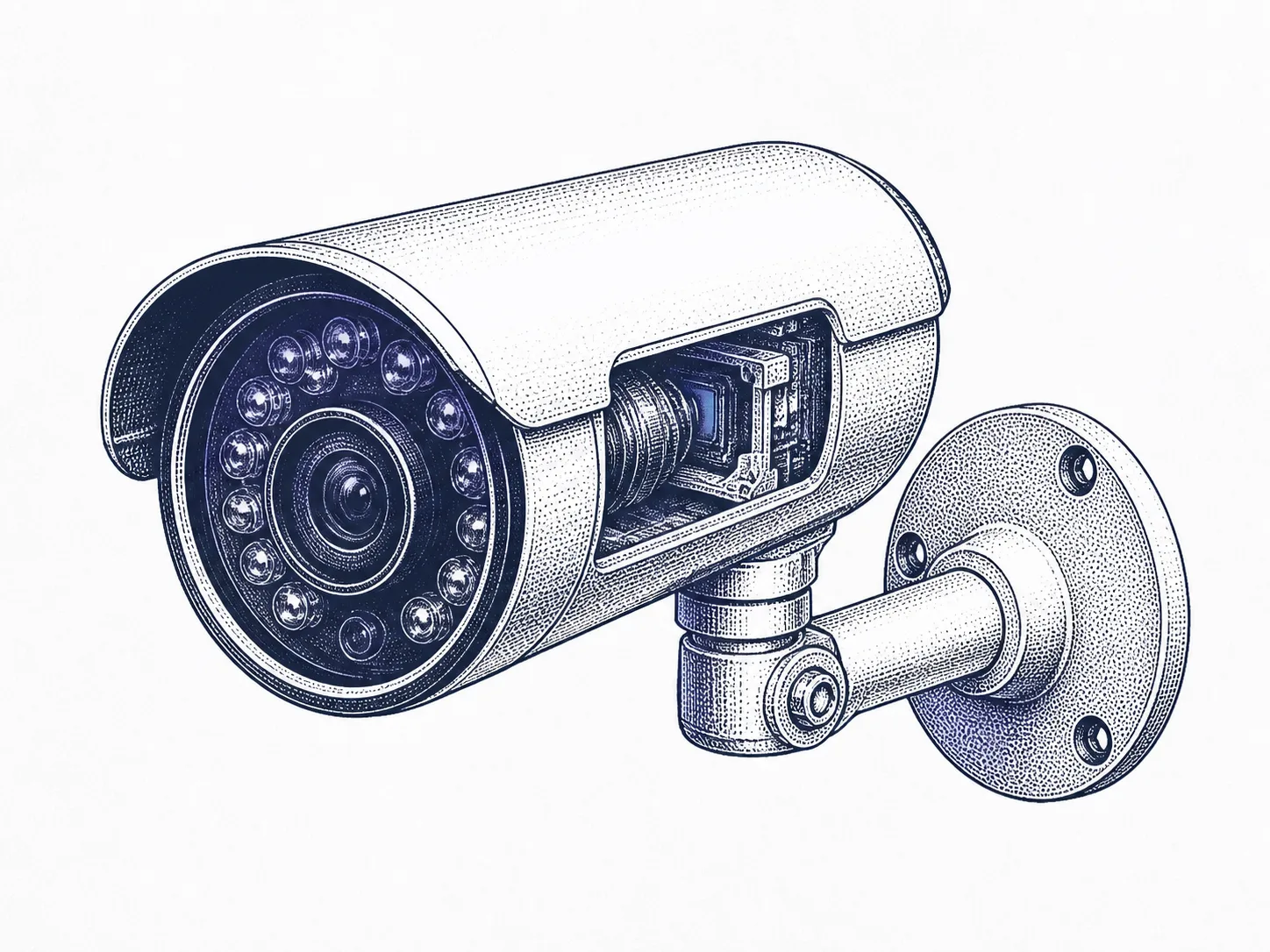
Security camera
Video, sound, motion-detection events, and often the recordings themselves on the manufacturer's server.
Does it record to a memory card without a subscription, and how long is it updated for?
Read more about this device category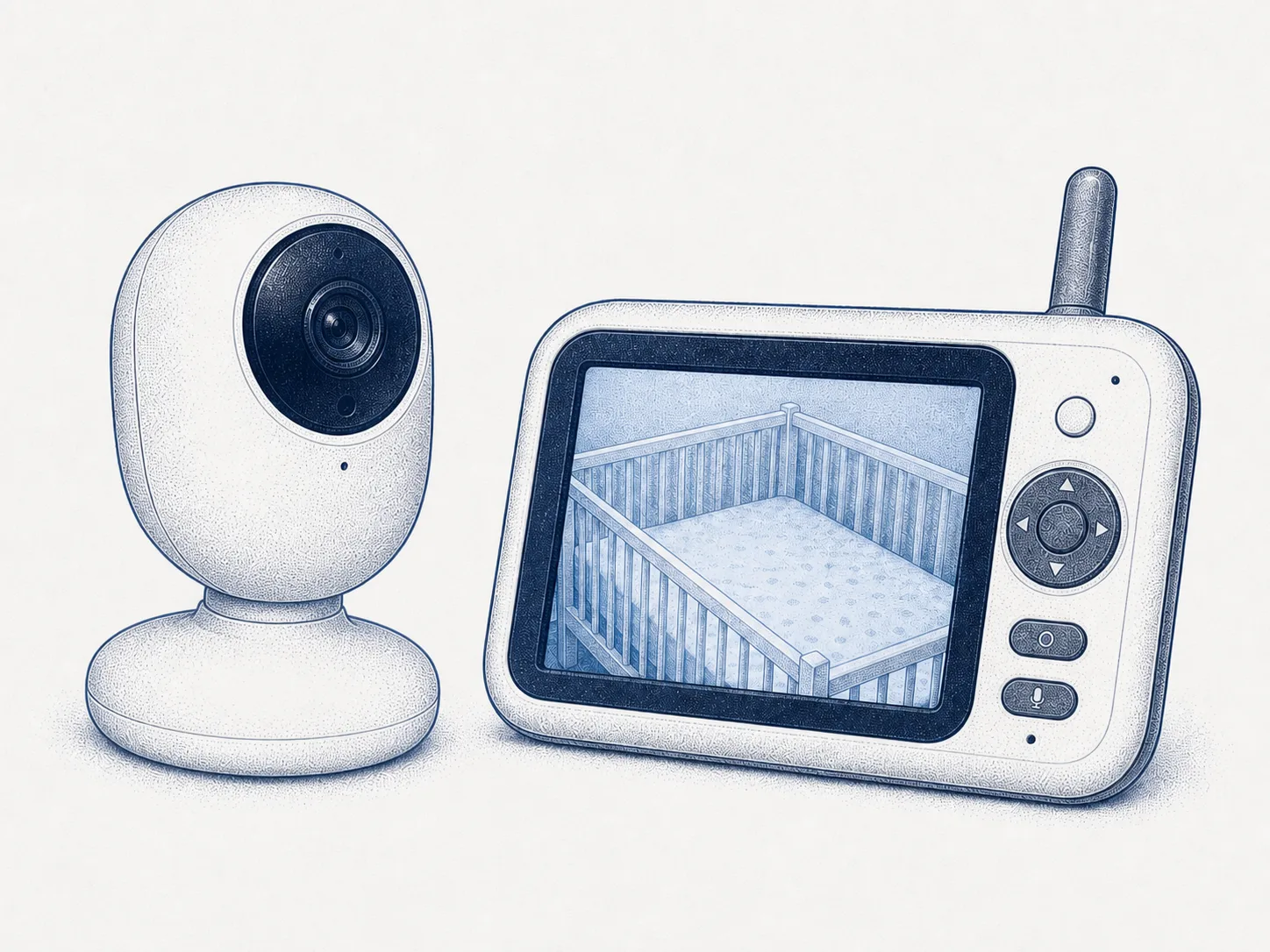
Baby monitor
Sound and video. A model on the network is a security camera in all but name.
Is the model online or radio-only, and which one suits your use?
Read more about this device category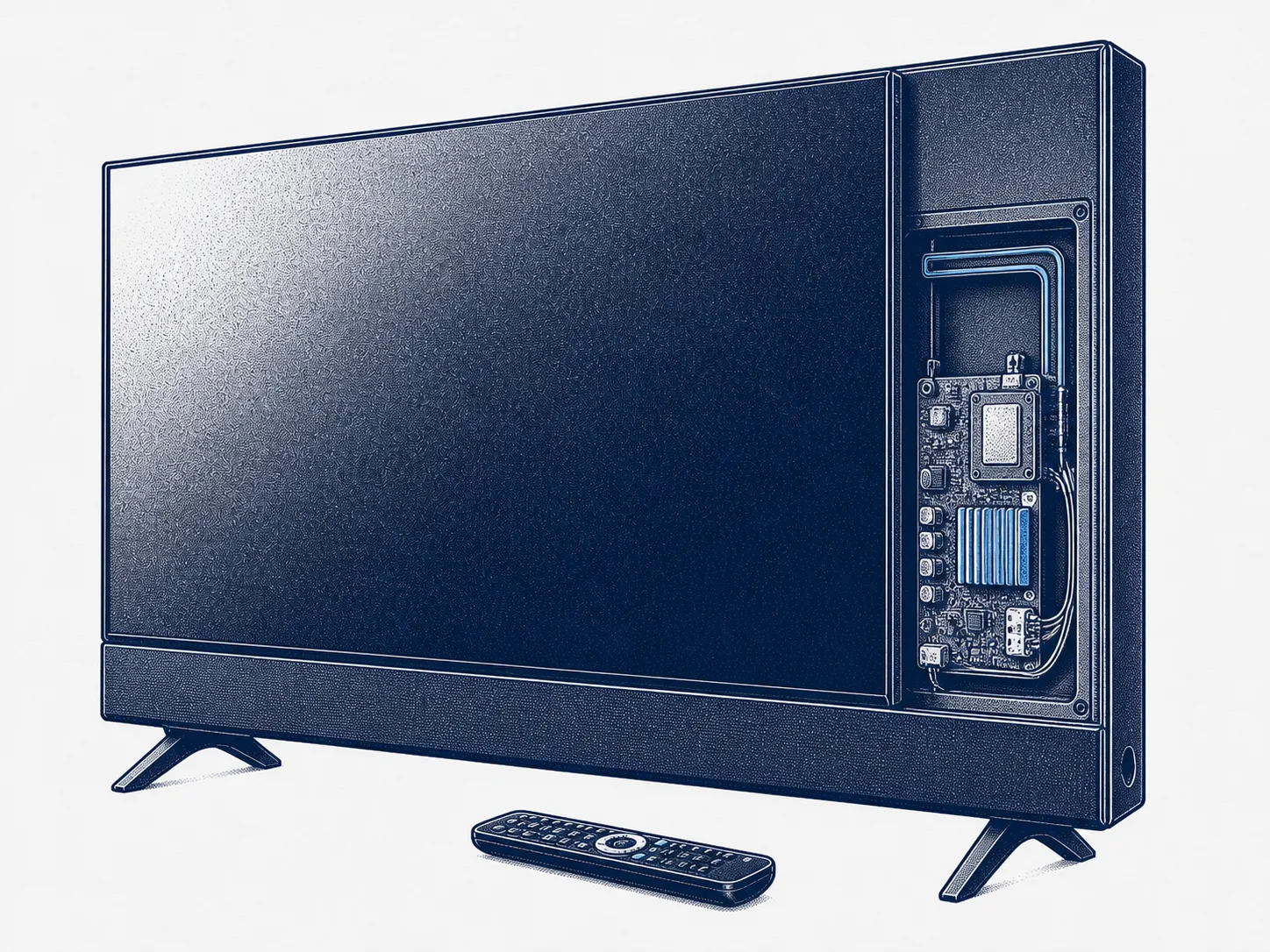
Smart television
What is on the screen, including from a device plugged into the HDMI port.
Can content recognition be switched off, and does the television work without an account?
Read more about this device category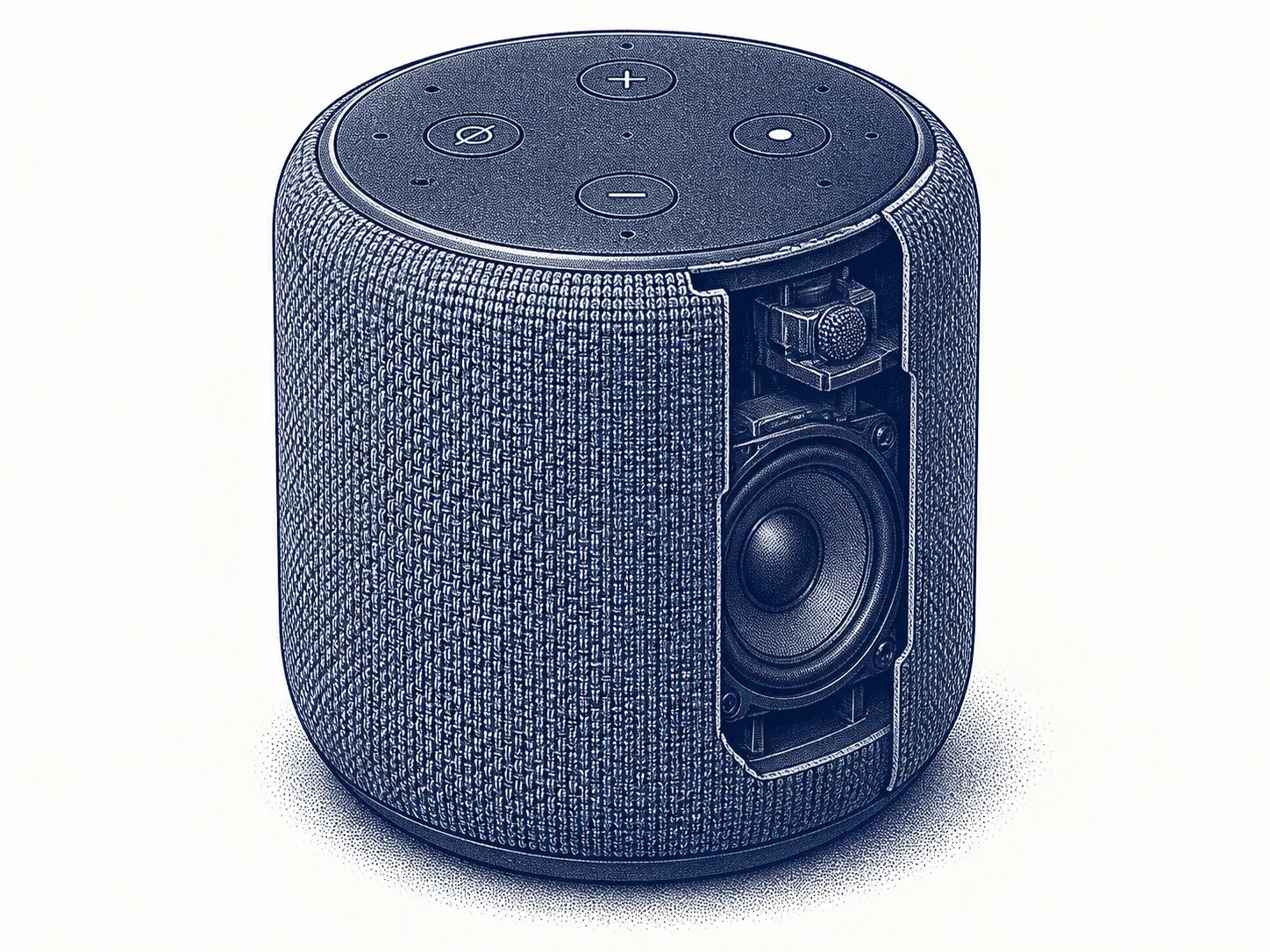
Smart speaker
Voice commands after the wake word, and the false starts along with them.
Is there a physical microphone switch, and does the app show the recording history?
Read more about this device category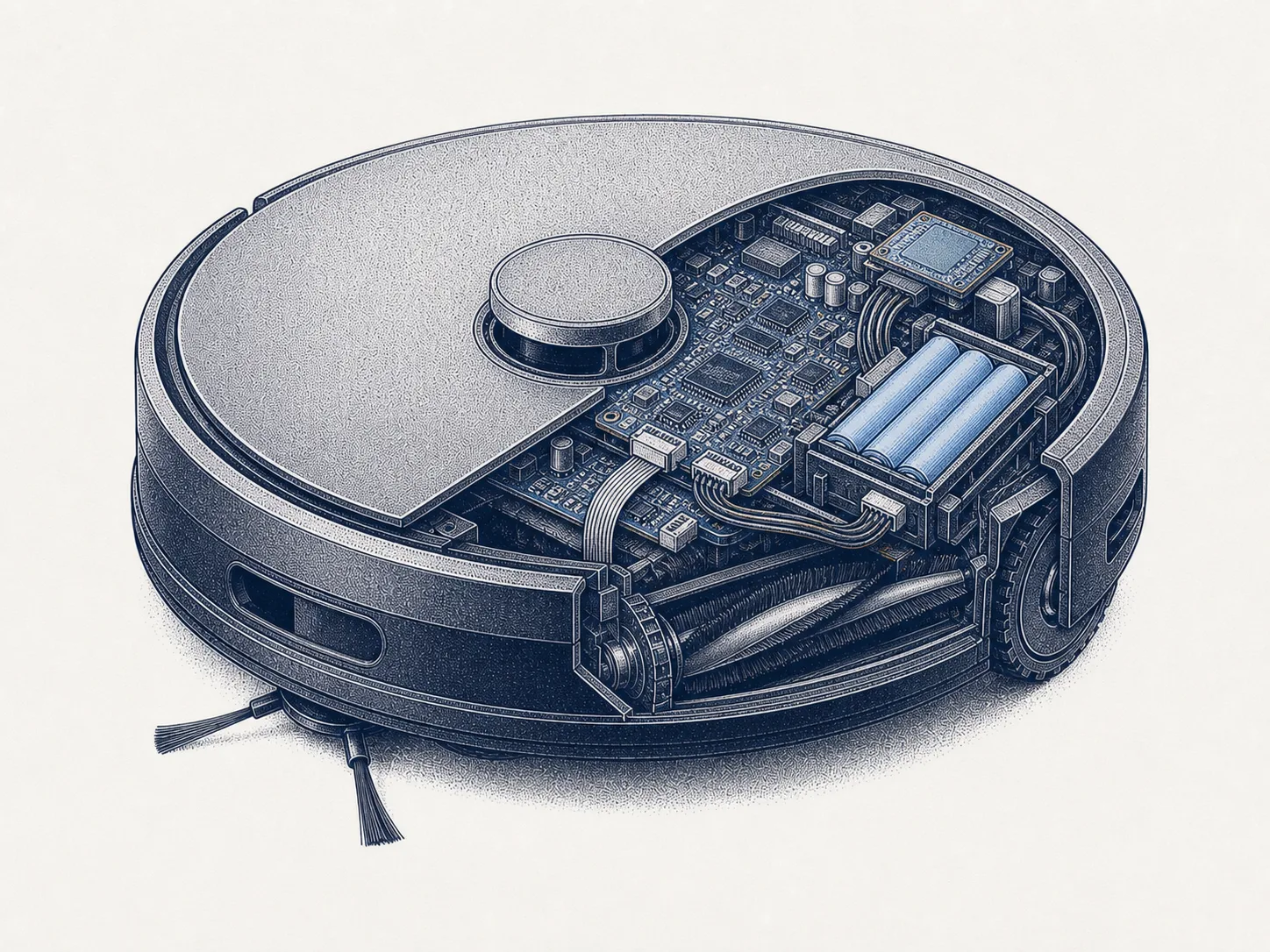
Robot vacuum
A map of your home floor plan, and on some models video as well.
Where is the map kept, and can you delete it from the device and from the account?
Read more about this device category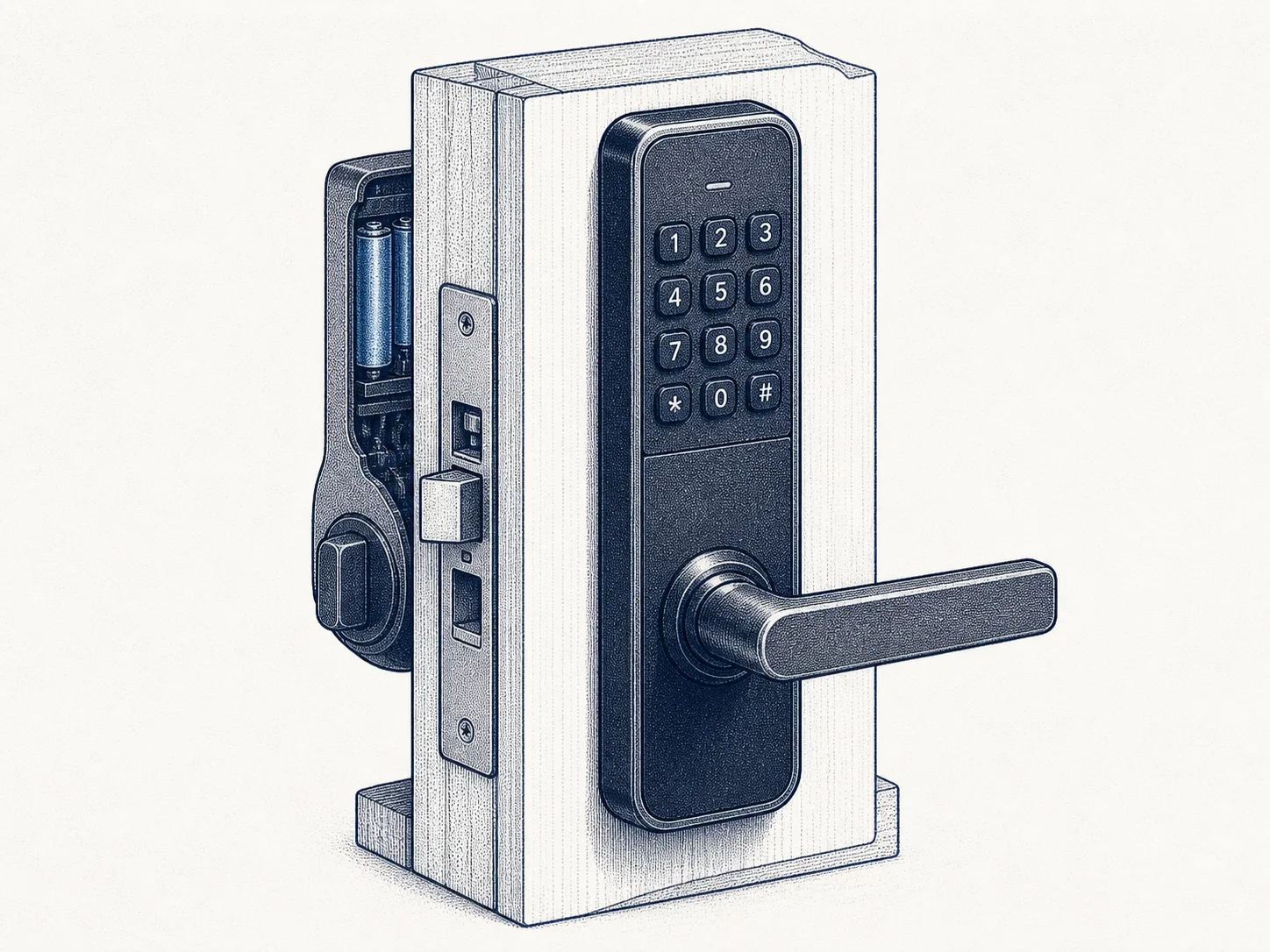
Smart lock
Door-opening events and access rights, through the account.
Does the lock work without a network, and does the account support two-factor authentication?
Read more about this device category
What price and labels can tell you
Cheap does not mean bad, and expensive does not mean supported
An expensive device can go without updates and a cheap one can get them for years. The price tells you about materials and features, not about how long faults get fixed.
The CE marking is not a security test
It is the manufacturer's declaration that the product meets the requirements. For certain radio equipment placed on the market from 1 August 2025, those include security. The CE marking still does not compare products or state the support period.
Regulation is not a guarantee
The requirements cover what is placed on the market from a given day onwards. There is still older stock on the shelves, and online shops ship devices from outside the EU.
Judge the device by what you need it for
A connected device can be a good purchase when its features are useful to you and its update support, data handling and operation without the cloud are clear.
What about a device you already have?
The same four checks also work when assessing a device you already own.
If the answer about the support period is a bad one, move the device onto its own guest network. Then its problems are not the whole home's problems.
Checked