%20scale(0.15%20-0.15)'/%3e%3cpath%20d='M333%20540Q478%20540%20554.5%20472Q631%20404%20631%20264L631%20230L235%20230Q235%20173%20260.5%20144Q286%20115%20341%20115Q391%20115%20414.5%20136Q438%20157%20438%20192L631%20192Q631%2096%20558%2042Q485%20-12%20345%20-12Q198%20-12%20117%2056.5Q36%20125%2036%20264Q36%20400%20115%20470Q194%20540%20333%20540ZM341%20413Q247%20413%20236%20324L430%20324Q430%20365%20406.5%20389Q383%20413%20341%20413Z'%20transform='translate(78.75%20117)%20scale(0.15%20-0.15)'/%3e%3cpath%20d='M381%20541Q404%20541%20422%20535.5Q440%20530%20440%20529L440%20362L376%20362Q314%20362%20286.5%20330Q259%20298%20259%20235L259%200L60%200L60%20528L223%20528L236%20448Q254%20494%20293%20517.5Q332%20541%20381%20541Z'%20transform='translate(169.8%20117)%20scale(0.15%20-0.15)'/%3e%3cpath%20d='M428%20528L660%20528L465%20315L665%200L439%200L328%20181L259%20114L259%200L60%200L60%20726L259%20726L259%20326Z'%20transform='translate(232.35000000000002%20117)%20scale(0.15%20-0.15)'/%3e%3cpath%20d='M428%20528L660%20528L465%20315L665%200L439%200L328%20181L259%20114L259%200L60%200L60%20726L259%20726L259%20326Z'%20transform='translate(323.40000000000003%20117)%20scale(0.15%20-0.15)'/%3e%3cpath%20d='M333%20540Q472%20540%20551.5%20469.5Q631%20399%20631%20264Q631%20129%20551.5%2058.5Q472%20-12%20333%20-12Q194%20-12%20115%2058Q36%20128%2036%20264Q36%20400%20115%20470Q194%20540%20333%20540ZM333%20405Q235%20405%20235%20292L235%20235Q235%20123%20333%20123Q432%20123%20432%20235L432%20292Q432%20405%20333%20405Z'%20transform='translate(409.35%20117)%20scale(0.15%20-0.15)'/%3e%3c/g%3e%3cpath%20fill='%23112b99'%20d='M0%20140h465v11H0z'/%3e%3cg%20fill='%23112b99'%3e%3cpath%20d='M381%20541Q404%20541%20422%20535.5Q440%20530%20440%20529L440%20362L376%20362Q314%20362%20286.5%20330Q259%20298%20259%20235L259%200L60%200L60%20528L223%20528L236%20448Q254%20494%20293%20517.5Q332%20541%20381%20541Z'%20transform='translate(0%20290)%20scale(0.15%20-0.15)'/%3e%3cpath%20d='M321%20540Q442%20540%20518%20499.5Q594%20459%20594%20368L594%20162Q594%20145%20602%20134Q610%20123%20626%20123L662%20123L662%208Q659%206%20646.5%201.5Q634%20-3%20611%20-7.5Q588%20-12%20558%20-12Q500%20-12%20462.5%205.5Q425%2023%20411%2054Q373%2024%20326%206Q279%20-12%20216%20-12Q30%20-12%2030%20136Q30%20213%2071.5%20253.5Q113%20294%20191%20309Q269%20324%20395%20324L395%20350Q395%20381%20373.5%20397Q352%20413%20318%20413Q287%20413%20264.5%20402Q242%20391%20242%20367L242%20363L46%20363Q45%20368%2045%20377Q45%20452%20116.5%20496Q188%20540%20321%20540ZM395%20230Q310%20230%20269.5%20211.5Q229%20193%20229%20162Q229%20112%20297%20112Q336%20112%20365.5%20133Q395%20154%20395%20185L395%20230Z'%20transform='translate(60.14999999999999%20290)%20scale(0.15%20-0.15)'/%3e%3cpath%20d='M443%200L430%2080Q399%2037%20348.5%2012.5Q298%20-12%20242%20-12Q150%20-12%20104%2039Q58%2090%2058%20186L58%20528L257%20528L257%20210Q257%20176%20274.5%20155.5Q292%20135%20324%20135Q361%20135%20384%20159Q407%20183%20407%20218L407%20528L606%20528L606%200Z'%20transform='translate(151.2%20290)%20scale(0.15%20-0.15)'/%3e%3cpath%20d='M259%20473Q291%20505%20334%20522.5Q377%20540%20424%20540Q516%20540%20562%20489Q608%20438%20608%20342L608%200L409%200L409%20318Q409%20352%20391.5%20372.5Q374%20393%20342%20393Q305%20393%20282%20369Q259%20345%20259%20310L259%200L60%200L60%20725L259%20725L259%20473Z'%20transform='translate(242.25%20290)%20scale(0.15%20-0.15)'/%3e%3cpath%20d='M321%20540Q442%20540%20518%20499.5Q594%20459%20594%20368L594%20162Q594%20145%20602%20134Q610%20123%20626%20123L662%20123L662%208Q659%206%20646.5%201.5Q634%20-3%20611%20-7.5Q588%20-12%20558%20-12Q500%20-12%20462.5%205.5Q425%2023%20411%2054Q373%2024%20326%206Q279%20-12%20216%20-12Q30%20-12%2030%20136Q30%20213%2071.5%20253.5Q113%20294%20191%20309Q269%20324%20395%20324L395%20350Q395%20381%20373.5%20397Q352%20413%20318%20413Q287%20413%20264.5%20402Q242%20391%20242%20367L242%20363L46%20363Q45%20368%2045%20377Q45%20452%20116.5%20496Q188%20540%20321%20540ZM395%20230Q310%20230%20269.5%20211.5Q229%20193%20229%20162Q229%20112%20297%20112Q336%20112%20365.5%20133Q395%20154%20395%20185L395%20230Z'%20transform='translate(333.3%20290)%20scale(0.15%20-0.15)'/%3e%3c/g%3e%3c/svg%3e)
Modem and router
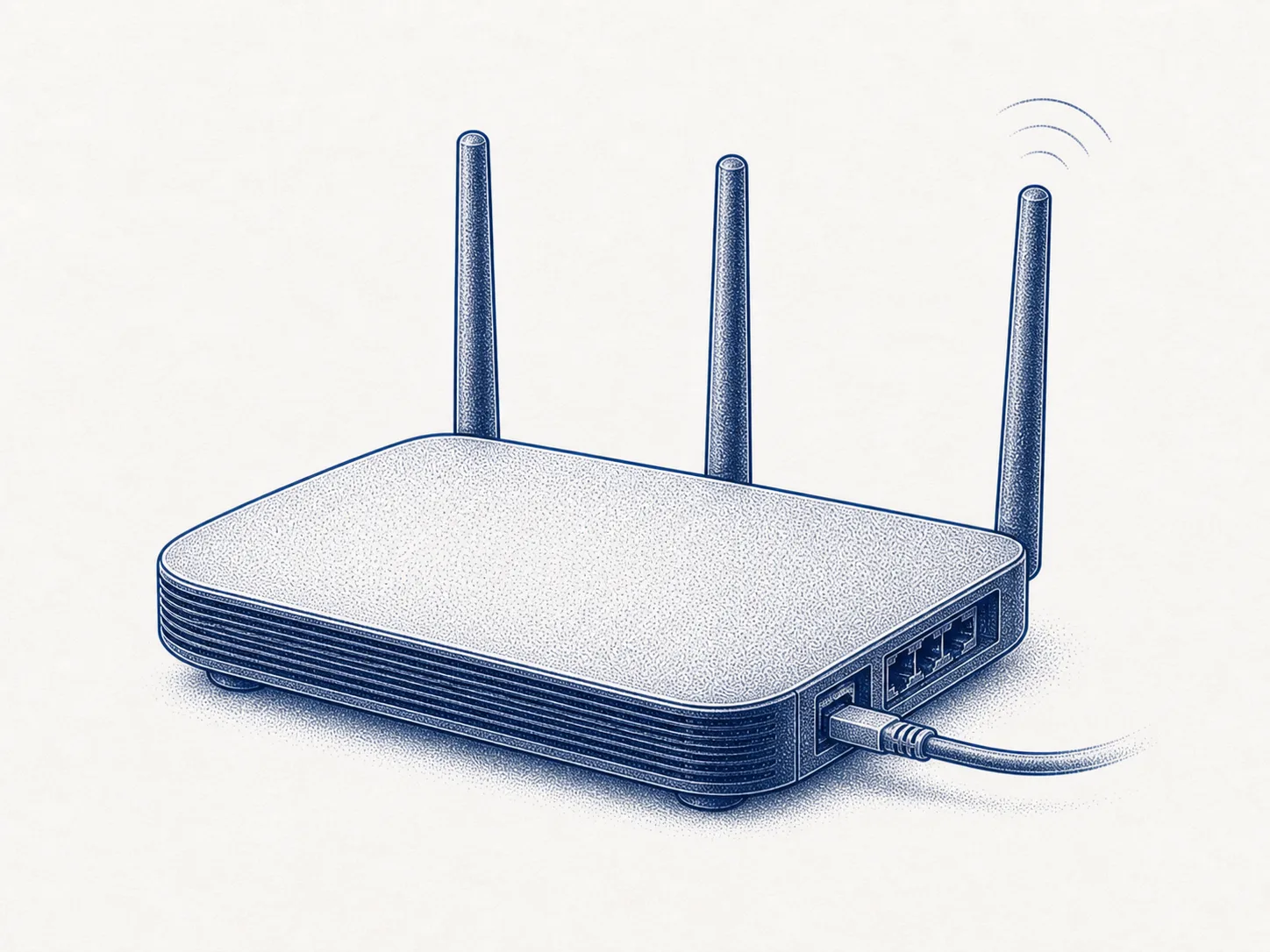
A modem or fibre terminal brings the operator's connection to a router, which shares it with devices in the home. The jobs may use separate devices or one combined device.
Possible data flows
The exact route depends on the model and its settings. These are common paths, not a claim that every device sends every item listed.
From
Your devices
Data
Internet-bound traffic; the contents of an encrypted connection stay encrypted
To
Router
From
Router
Data
Internet traffic from home devices, to be forwarded onwards
To
Operator's network
From
Internet
Data
Replies to connections started at home and traffic allowed by an explicit rule
To
Router
What to know about this device
A modem and a router do different jobs
A modem or fibre terminal receives the operator’s connection inside your home when the connection type needs one. The router connects it to the network inside your home. The functions can use separate devices or one combined device.
SourceThe number of boxes does not tell you how many jobs they perform.
The router sits between your home devices and the internet. On IPv4, it usually shares one public address through network address translation, or NAT.
On IPv6, a device can have its own public address.
The router firewall blocks unsolicited connections from the internet in both cases, unless a setting has opened them.
The firewall forms the network boundary
Admin access from the internet exposes the router’s settings outside your home. Switch it off unless you need it. The setting may be called remote access, remote management or remote admin.
Do not confuse this with an operator’s own update or maintenance connection. Switch off only the setting that gives you or another user access to the admin page from the internet.
When to replace a router
You cannot skip buying a router, but you can leave one in place for too long. A router that offers only WPA/WPA2 mixed mode, TKIP, WEP or open networks is at the end of its life. The same goes for one the manufacturer has stopped updating.
Device path for a home internet connection
These jobs can use separate devices or one combined device
An Ethernet cable from the building distributor can go straight to the router. In that case, there may be no separate terminal inside the home.
Settings to check
Check these during setup. Later, make sure device updates continue and the settings still match how you use the device.
0 / 8 done